

Swimming pools

Our Swimming pools

© Pixabay

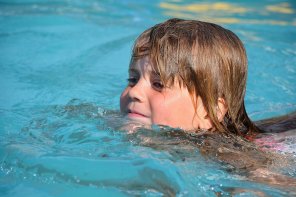
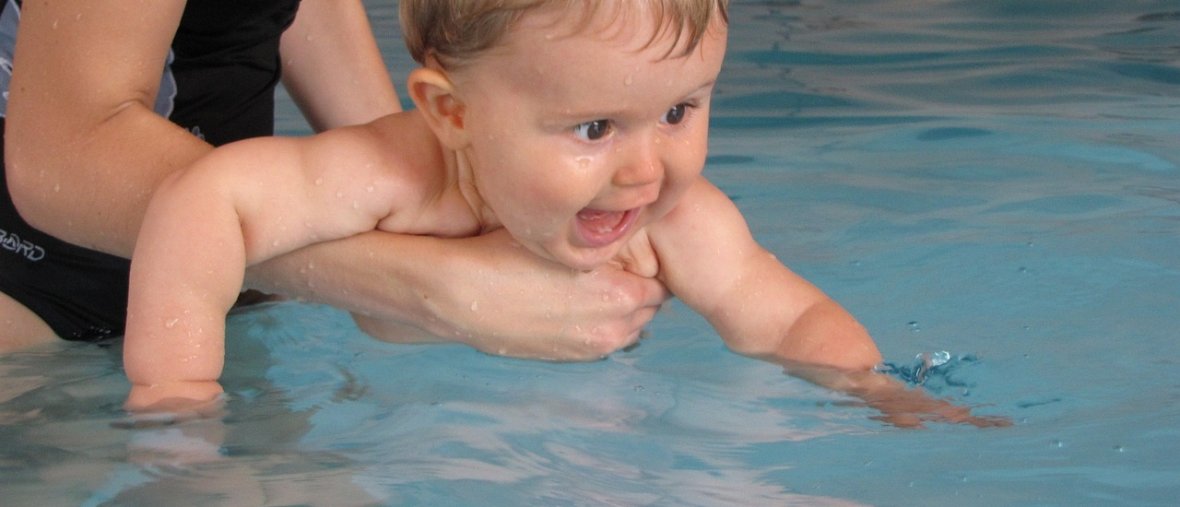
It's summer and you want to go to the swimming pool with your parents, but you're not sure where to go?
In our municipality, you have three swimming pools to choose from!
© Pixabay


The Vitalbad Pfälzer Bergland in Kusel

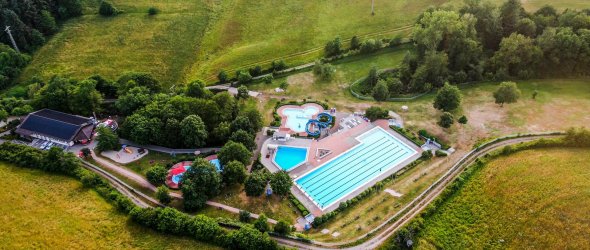
has an outdoor pool with a wide slide, a play and fun pool with a whitewater channel, waterfall showers, floor and wall jets, and a water mushroom!


The great thing about Kusel is that you don't have to miss out on water fun even in winter!

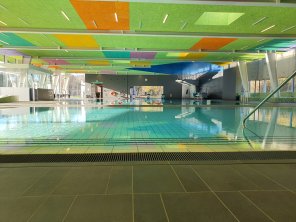
There is an indoor pool with a swimmers' pool, non-swimmers' pool, diving tower, 1-meter and 3-meter diving boards, slide, water mushroom, and a ship canal.

Send your parents to relax in the warm water pool!
Layout 1
Sven Grajek, © Sven Grajek


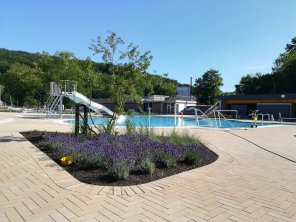
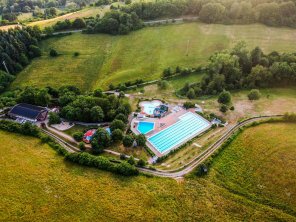
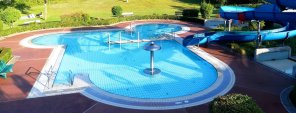
The Altenglan sports and leisure pool offers a multi-purpose pool, a diving pool, and a play and fun pool.

There is also a children's paddling pool and numerous water attractions and play options waiting for you!
Layout 1


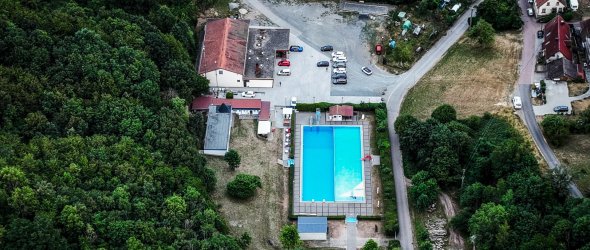
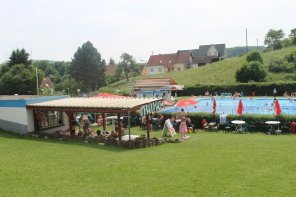
The Bosenbach swimming pool offers a multi-purpose pool, a diving pool, and a play and fun pool.


There is also a children's paddling pool and numerous water attractions and play facilities waiting for you!
Layout 1
© Pixabay


Assistance for Accessibility

  • General

    We are committed to making our websites accessible. Details can be found in our Accessibility Statement. You can provide suggestions for improvement to us through our Report Barrier feedback form.

  • Font Size

    To adjust the font size, please use the following keyboard shortcuts:

    Bigger

    ⌘command
    +

    Smaller

    ⌘command
    –

    Bigger

    Ctrl
    +

    Smaller

    Ctrl
    –
  • Keyboard Navigation

    Use TAB and SHIFT + TAB to navigate through next/previous links, form elements, and buttons.

    Use ENTER to open links and interact with elements.

  • Contrast mode

    Drücken Sie die folgende Tastenkombination, um den Kontrast zu verringern bzw. zu vergrößern:

    Increase

    ⌃control
    ⌥option
    ⌘command
    .

    Decrease

    ⌃control
    ⌥option
    ⌘command
    ,
    Note: The shortcuts must be enabled in the system settings of the operating system.

    Press the left ALT key + left SHIFT key + PRINT to quickly turn on or off the high contrast mode

  • Invert colors

    Press the following key combination to turn on and off color inversion:

    ⌃control
    ⌥option
    ⌘command
    8
    Note: The shortcuts must be enabled in the system settings of the operating system.

    Press the left ALT key + left SHIFT key + PRINT to quickly turn on or off the high contrast mode

    1. Screen magnifier

    +

    2. Invert colors

    Ctrl
    Alt
    I
  • Screen magnifier

    Press the following key combinations to use the screen magnifier:

    Enable/disable

    ⌥option
    ⌘command
    8

    Zoom in view

    ⌥option
    ⌘command
    =

    Zoom out view

    ⌥option
    ⌘command
    –
    Note: The shortcuts must be enabled in the system settings of the operating system.

    Activate screen magnifier / zoom in view

    +

    Zoom out view

    –

Choose a language