
Historic classroom

Historical classroom in erdesbach
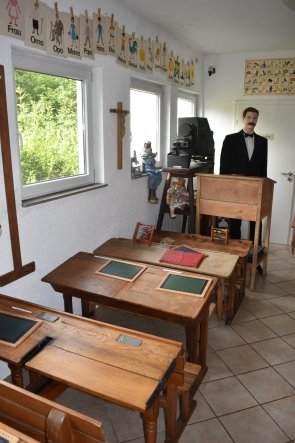
In the exhibition rooms of the former Erdesbach school, you can embark on a journey back in time.

You can visit a historical classroom right in the entrance area.

In addition to the many school desks from different eras, there are numerous blackboards, cabinets, pictures, and utensils related to school life on display.
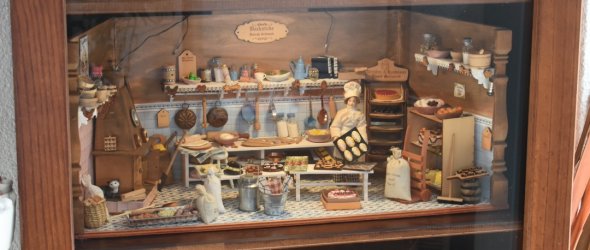
In addition to the classroom, there are other exhibition rooms to visit.

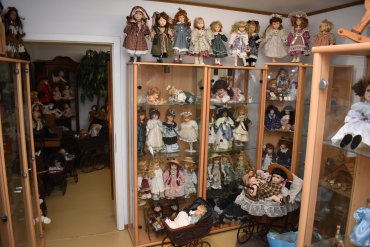
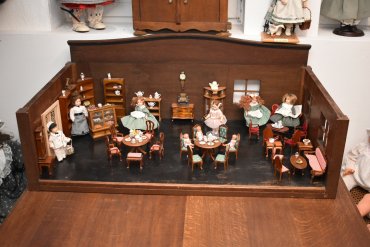
A dollhouse with many rare nostalgic dolls awaits you, which will not only make children's hearts beat faster.

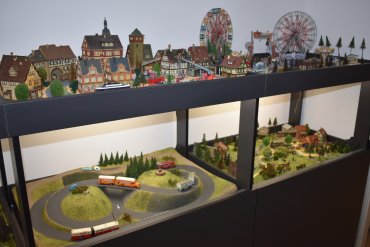
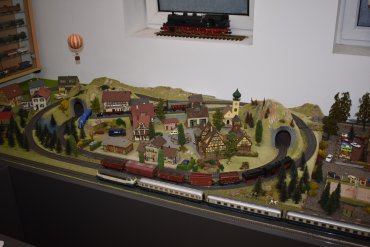
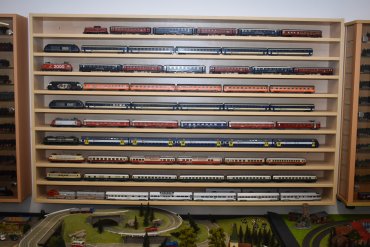
Entire landscapes have been constructed for model railway enthusiasts, where model trains can be watched as they speed by, and many more model trains are displayed on numerous shelves.
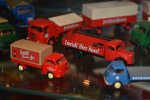
 

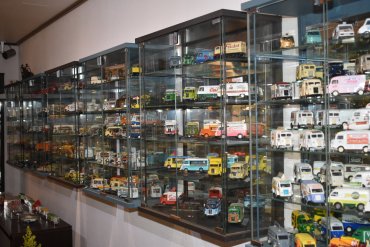
The miniature world with car and truck models is also worth seeing.

Primarily from the 1950s to the 1980s. Numerous French advertising and sales delivery vans, racing cars from various years, tin cars, and a small collection of military vehicles.
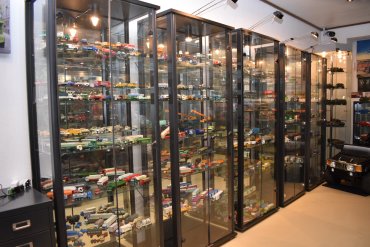
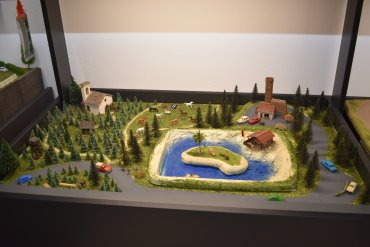
 

Layout 1

There is so much to discover, and many visitors will be transported back to their childhood.

Let yourself be enchanted, and we are sure your eyes will light up with excitement!


Opening Hours

by appointment by phone 0049 6381-4250006 or under  0049 160-98424840

Zweibrücker Strasse 46 
66887 Erdesbach


Assistance for Accessibility

  • General

    We are committed to making our websites accessible. Details can be found in our Accessibility Statement. You can provide suggestions for improvement to us through our Report Barrier feedback form.

  • Font Size

    To adjust the font size, please use the following keyboard shortcuts:

    Bigger

    command
    +

    Smaller

    command

    Bigger

    Ctrl
    +

    Smaller

    Ctrl
  • Keyboard Navigation

    Use TAB and SHIFT + TAB to navigate through next/previous links, form elements, and buttons.

    Use ENTER to open links and interact with elements.

  • Contrast mode

    Drücken Sie die folgende Tastenkombination, um den Kontrast zu verringern bzw. zu vergrößern:

    Increase

    control
    option
    command
    .

    Decrease

    control
    option
    command
    ,
    Note: The shortcuts must be enabled in the system settings of the operating system.

    Press the left ALT key + left SHIFT key + PRINT to quickly turn on or off the high contrast mode

  • Invert colors

    Press the following key combination to turn on and off color inversion:

    control
    option
    command
    8
    Note: The shortcuts must be enabled in the system settings of the operating system.

    Press the left ALT key + left SHIFT key + PRINT to quickly turn on or off the high contrast mode

    1. Screen magnifier

    +

    2. Invert colors

    Ctrl
    Alt
    I
  • Screen magnifier

    Press the following key combinations to use the screen magnifier:

    Enable/disable

    option
    command
    8

    Zoom in view

    option
    command
    =

    Zoom out view

    option
    command
    Note: The shortcuts must be enabled in the system settings of the operating system.

    Activate screen magnifier / zoom in view

    +

    Zoom out view

Choose a language