

Children's Music Trail Potzberg

Children's Music Trail Potzberg

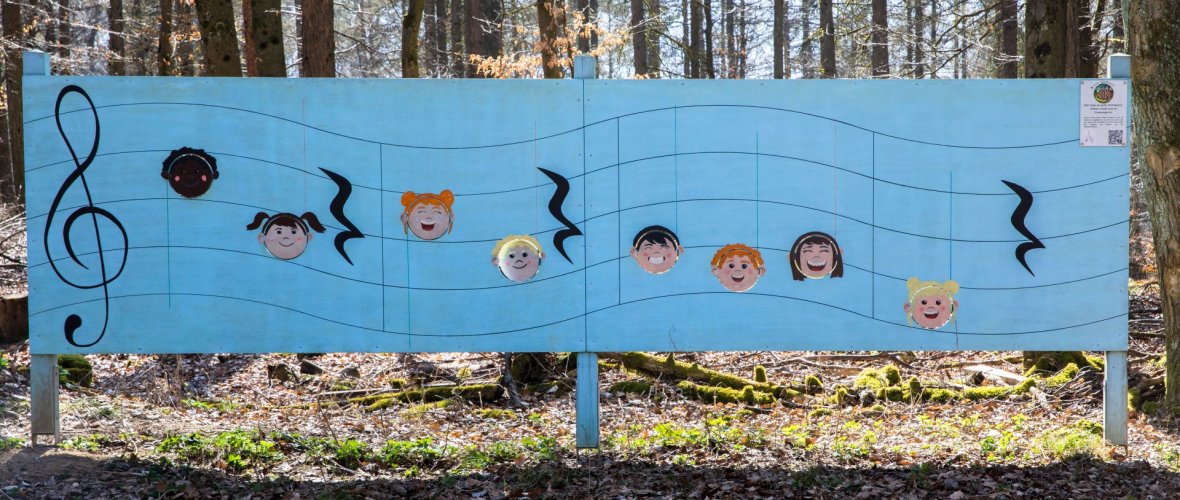
Join Wuseline on a 3.1 km journey to discover 33 different stations where you can create sounds, play simple melodies, and solve various puzzles. QR codes at each station give you access to quizzes, the elf song, and short videos that explain basic musical concepts in a simple way.

The logo with the note heads shows you the way, which does include a few challenging sections.However, the varied vegetation and the many different play stations make up for some of the inclines. 

tree lyre
Strike a chord on the xylophone


A geocache integrated into the Actionbound designed for the trail also offers a challenge for young people. 

Of course, many aspects of wandering musicianship are also explained and conveyed along this trail. For example, if you want to know more about why the cuckoo often meant a windfall for wandering musicians, hike the trail and  find out!


Assistance for Accessibility

  • General

    We are committed to making our websites accessible. Details can be found in our Accessibility Statement. You can provide suggestions for improvement to us through our Report Barrier feedback form.

  • Font Size

    To adjust the font size, please use the following keyboard shortcuts:

    Bigger

    command
    +

    Smaller

    command

    Bigger

    Ctrl
    +

    Smaller

    Ctrl
  • Keyboard Navigation

    Use TAB and SHIFT + TAB to navigate through next/previous links, form elements, and buttons.

    Use ENTER to open links and interact with elements.

  • Contrast mode

    Drücken Sie die folgende Tastenkombination, um den Kontrast zu verringern bzw. zu vergrößern:

    Increase

    control
    option
    command
    .

    Decrease

    control
    option
    command
    ,
    Note: The shortcuts must be enabled in the system settings of the operating system.

    Press the left ALT key + left SHIFT key + PRINT to quickly turn on or off the high contrast mode

  • Invert colors

    Press the following key combination to turn on and off color inversion:

    control
    option
    command
    8
    Note: The shortcuts must be enabled in the system settings of the operating system.

    Press the left ALT key + left SHIFT key + PRINT to quickly turn on or off the high contrast mode

    1. Screen magnifier

    +

    2. Invert colors

    Ctrl
    Alt
    I
  • Screen magnifier

    Press the following key combinations to use the screen magnifier:

    Enable/disable

    option
    command
    8

    Zoom in view

    option
    command
    =

    Zoom out view

    option
    command
    Note: The shortcuts must be enabled in the system settings of the operating system.

    Activate screen magnifier / zoom in view

    +

    Zoom out view

Choose a language